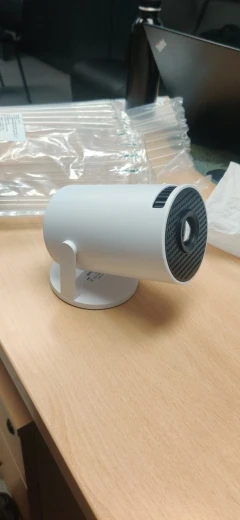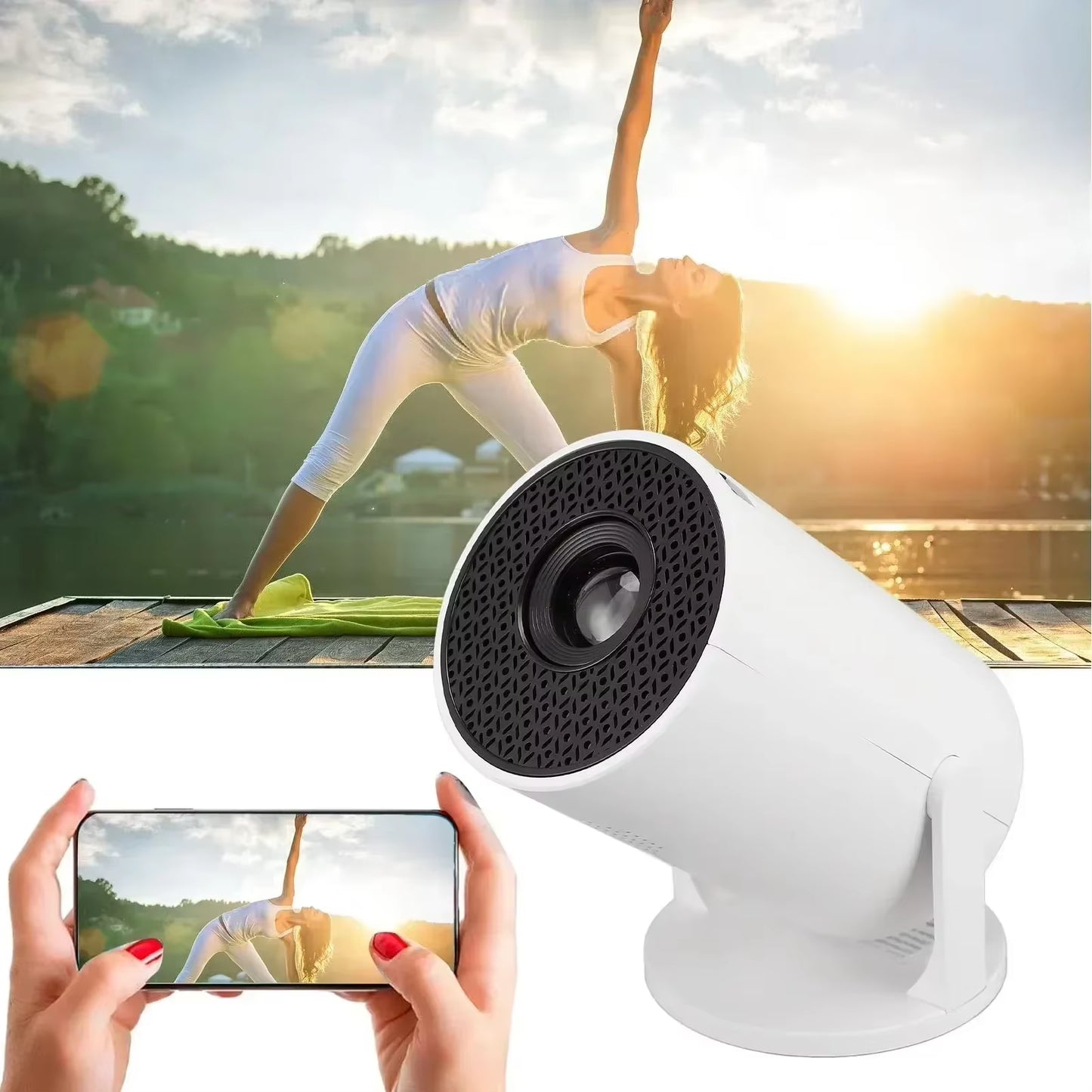

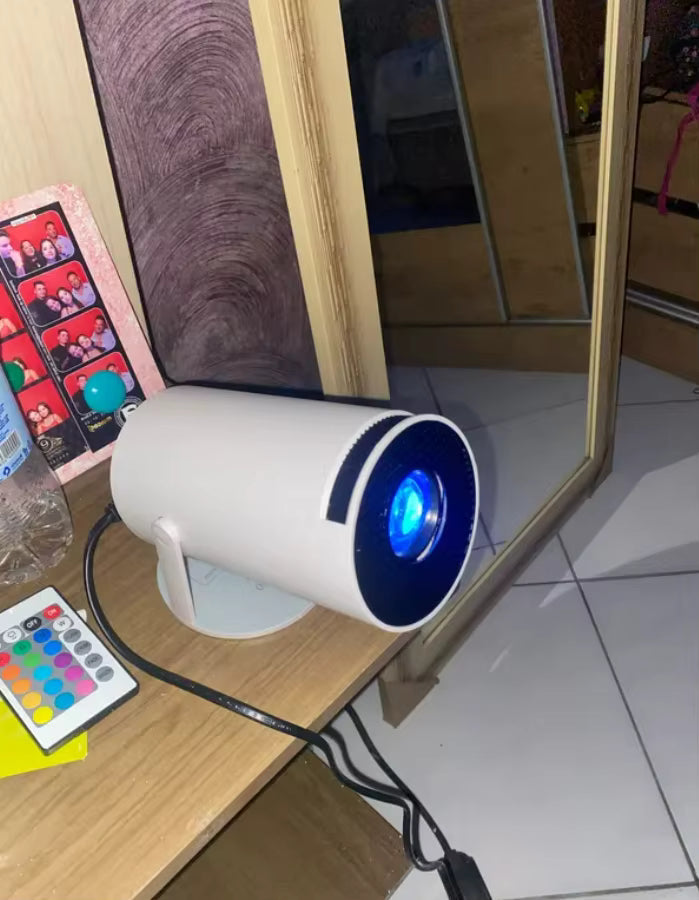
CineFlex Pro™ Mini Projector

Key Features
🖥️ Stunning 1080p Full HD support
🧳 Ultra-portable, compact body — perfect for travel
🔄 270° adjustable projection angle for ceiling or wall viewing
📽️ Up to 150-inch screen size for immersive entertainment
✨ High brightness & contrast for vivid image quality
🔊 Built-in 2W speaker for clear, convenient audio
How to Use
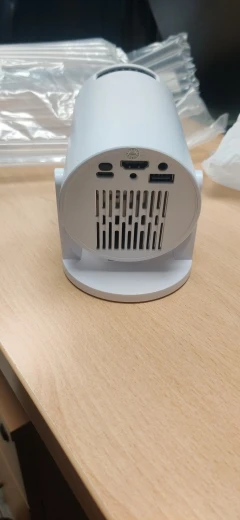
Unbox the CineFlex Pro™ Mini Projector to find everything you need: the projector itself, a USB Type-C power cable, remote control, and user manual. Simply connect the power using the included cable, then plug in your device through HDMI, USB, or a 3.5mm audio input, or mirror your screen wirelessly from your phone or tablet. Adjust the 270° rotating body to project onto any surface, including the ceiling, and fine-tune the focus for a crisp, clear picture. Once set, play your content and enjoy a personal cinema experience anywhere you go.
Why You’ll Love It
You'll love the CineFlex Pro™ Mini Projector for its crisp 1080p visuals, ultra-portable design, and freedom to project anywhere—even on your ceiling. With a flexible 270° rotating body, multiple device inputs, and built-in sound, it transforms any room into a personal cinema in seconds. Perfect for movies, gaming, travel, or cozy nights in.
| Our brand | Others | |
|---|---|---|
High-quality craftsmanship and durability |
||
Compact and travel-friendly |
||
Everyday-enhancing features |
||
Trusted by customers and built to last |
FAQS
What devices can I connect?
Phones, tablets, laptops, gaming consoles, USB drives, TV sticks, and more — via HDMI, USB, wireless mirroring, or audio jack.
How big can the projection be?
Up to 150 inches, depending on distance and lighting.
Does it work with iPhone and Android?
Yes — via USB/HDMI adapters or wireless mirroring (depending on your phone).
Does it have a built-in speaker?
Yes — a 2W box speaker provides solid everyday sound.